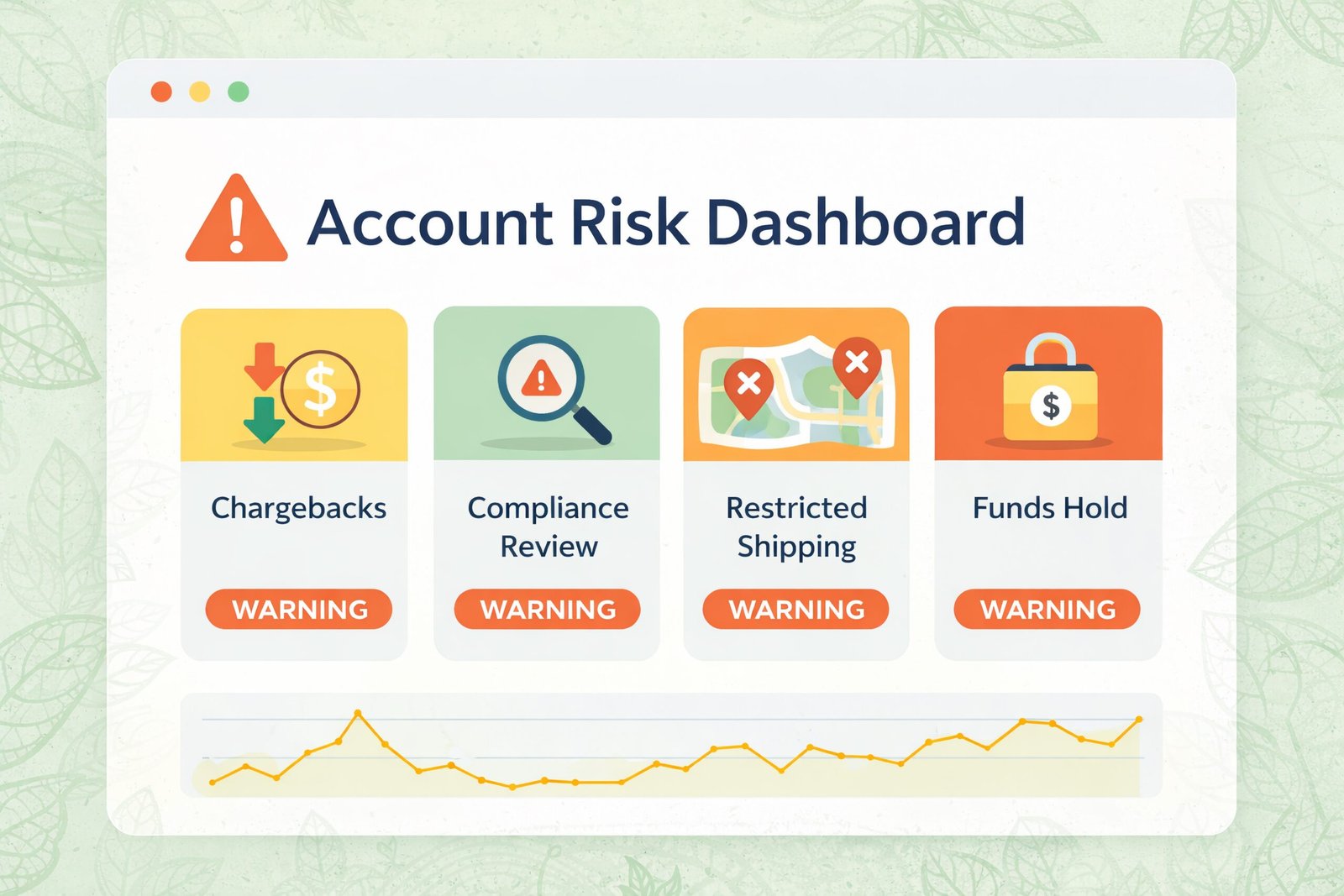
Ensure security, optimize fraud filters, and achieve checkout readiness.
Kratom Payment Gateway Setup Checklist: Security, Fraud Filters, and Checkout Readiness
Launching your kratom business? Follow our detailed checklist to establish a secure payment gateway that keeps your transactions safe and efficient.
100%
Secure Transactions
24/7
Support
99.9%
Uptime
250+
Successful Partnerships
As a kratom merchant, establishing a reliable kratom payment gateway is crucial for your e-commerce success. A well-implemented gateway enhances security, streamlines the payment process, and mitigates the risks associated with fraud. Below is a comprehensive checklist tailored for kratom businesses preparing to launch or improve their checkout systems.
1. Gateway Connection
Begin by selecting a high-risk payment gateway compatible with kratom businesses. Popular options include Authorize.Net and NMI. Ensure that you understand their integration processes with your specific e-commerce platform, whether it’s WooCommerce, Shopify, or BigCommerce.
2. Merchant Account Connection
Next, establish a merchant account suited for high-risk industries. Banks often evaluate your business type and sales volume. High Wire Payments offers tailored solutions for kratom merchants that ensure seamless connections to your payment processing needs.
3. API Keys
After securing a merchant account, obtain your API keys from your payment gateway service. These keys will authenticate and authorize transactions made through your website, ensuring secure kratom payment processing.
4. Plugin Settings
For platforms like WooCommerce or Shopify, install the corresponding payment gateway plugin. Configure the plugin settings with your API keys and ensure all details regarding your business are correctly filled out to avoid any processing issues.
5. AVS and CVV Settings
Enable Address Verification Service (AVS) and Card Verification Value (CVV) settings within your payment gateway. This helps to verify that the billing address and the card code entered by customers match the issuing bank’s records, serving as critical fraud prevention tools.
6. Velocity Filters
Implement velocity filters to monitor transaction frequency and amounts. This helps to detect patterns that may indicate fraudulent activity. Set appropriate limits to minimize risk while accommodating genuine customers.
7. Fraud Thresholds
Define fraud thresholds, such as the maximum number of failed transactions allowed before a payment is flagged. Adjust these thresholds based on your business volume and customer behavior analytics.
8. Transaction Limits
Set transaction limits to protect both your business and your customers. Consider limits for single transactions, daily limits, and total monthly amounts, adjusted according to your sales history and business needs.
9. Refund and Void Settings
Configure the settings for processing refunds and voids. Ensure your system allows for easy management of customer transactions in case any issues arise post-purchase.
10. Recurring Billing Settings
If you offer subscription services for kratom products, set up recurring billing options within your gateway. Clearly communicate the billing intervals and ensure customers can manage their subscriptions effectively.
11. Descriptor Review
Review the descriptor that appears on customer credit card statements. Ensure it reflects your business name clearly to avoid confusion, which can lead to chargebacks.
12. SSL and PCI Considerations
Implement SSL (Secure Socket Layer) certificates to encrypt data transmitted between your customers and your site. Ensure PCI DSS (Payment Card Industry Data Security Standard) compliance to protect sensitive card information through best practices in data security.
13. Checkout Testing
Before going live, conduct thorough testing of your checkout process. Simulate transactions to identify potential issues and ensure a seamless experience for your customers.
14. Settlement Reporting
Coordinate settlement reporting with your payment gateway to track transaction settlements. Regular monitoring helps manage cash flow and ensures accurate financial reporting.
15. User Permissions
Set permissions for team members who will manage transactions. Determine access levels to sensitive areas of your e-commerce platform to protect your business processes.
16. Chargeback Alert Setup
Finally, enable chargeback alert services if available through your payment gateway. This proactive approach can notify you of potential chargebacks before they occur, allowing you to address customer concerns promptly and reduce the likelihood of losses.
FAQs
What is a kratom payment gateway?
A kratom payment gateway is a service that processes credit card transactions for kratom merchants, safely handling sensitive financial information for online purchases.
What security features should I look for in a payment gateway?
Look for features such as SSL encryption, PCI compliance, and fraud detection filters to protect your business and customers.
How can I improve my kratom checkout process?
Ensure your checkout process is user-friendly, mobile-responsive, and includes multiple payment options to increase conversion rates.
Can I offer subscriptions for kratom products?
Yes, setting up recurring billing options allows customers to subscribe to your kratom products conveniently.
What is Authorize.Net?
Authorize.Net is a widely used payment gateway that enables merchants to accept credit card and electronic check payments seamlessly.
Why Trust High Wire Payments?
We specialize in high-risk payment solutions for kratom merchants.
Industry Expertise
Comprehensive understanding of high-risk merchant needs.
Dedicated Support
24/7 assistance for your business needs.
Timely Settlements
Fast and reliable settlement processes tailored for kratom businesses.
Comprehensive Solutions
All-in-one services from account setup to ongoing support.
How do I start accepting kratom payments?
Begin by applying for a high-risk merchant account and choosing a suitable payment gateway.
What happens if a transaction is flagged as high-risk?
It may require additional verification or may be declined based on your fraud filters.
Can I use Shopify for kratom sales?
Yes, Shopify can be used, provided you implement a compatible high-risk payment gateway.
What is chargeback protection?
Chargeback protection prevents financial losses from customer disputes over transactions.
How can I reduce chargebacks?
Implement strong fraud prevention measures and provide clear transaction descriptors for your customers.
Is there a difference between AVS and CVV verification?
Yes, AVS checks the billing address while CVV verifies the card’s security code.
Ready to Set Up Your Kratom Payment Gateway?
Follow our checklist to launch a secure and efficient kratom payment processing system today!
Related resources: Kratom Subscription Payment Processing: Why You Need Reliable Solutions · WooCommerce Kratom Gateway Comparison: Authorize.Net, NMI, and High-Risk eCheck Options · Kratom Ecommerce Compliance Pages: Policies Every Merchant Should Have Before Approval
Related resources: Wix Kratom Store Payment Readiness: What To Know Before Accepting Credit Cards · WooCommerce Kratom Checkout Optimization: How To Reduce Declines, Fraud, And Chargebacks · Comprehensive Guide to Kratom Merchant Accounts for High-Risk Businesses
Related resources: Comprehensive Kratom Payment Processing for WordPress Ecommerce · Shopify Kratom Store Payment Readiness: What to Fix Before Processing Goes Live · Kratom Payment Processing Mistakes: What Merchants Should Avoid · In-Depth Guide to Kratom Payment Gateways for E-commerce Merchants